

For home inspectors.
Built for the way you inspect.
Inspectagram brings your inspection, reports, scheduling, agreements, payments and business tools together in one platform, built around the natural way you inspect.
Follow the home.
You inspect the home — inspectagram organizes the report.
Move naturally through the property, chapter by chapter, without constantly stopping to navigate software or figure out where information belongs.
Baseline documents the home and its components as you move through each area, creating a consistent foundation for the inspection and report.
Blackbox lets you speak what you see in your own words. inspectagram turns your observations into clear, professional report language so you can keep inspecting instead of stopping to type.
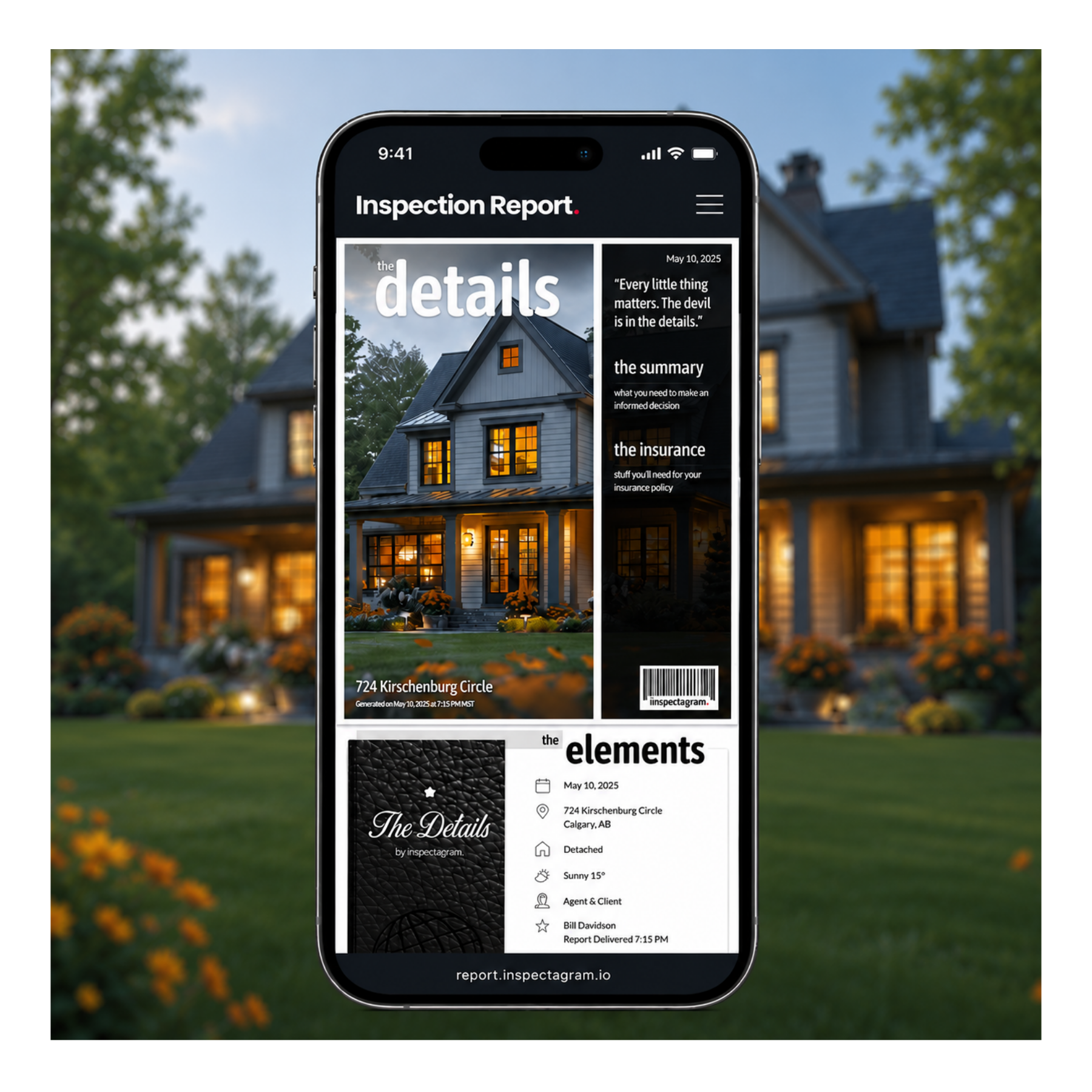
The inspectagram process.
Capture what matters.
Keep moving.
The inspection comes first. Capture what you find as you move through the home while inspectagram builds the report alongside you.
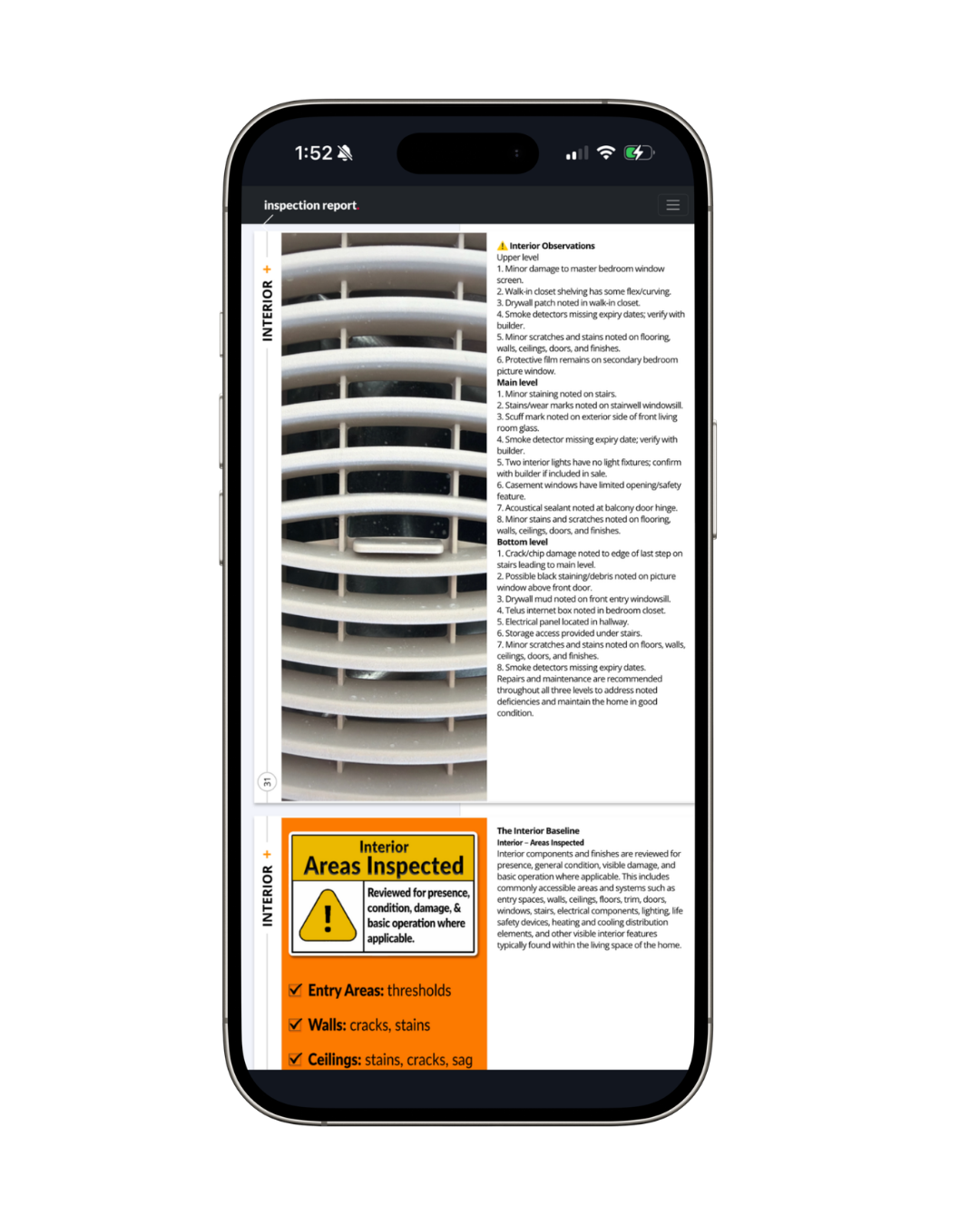
Photos, observations and findings stay connected to the right areas of the home, creating a repeatable process that keeps you moving in the field.
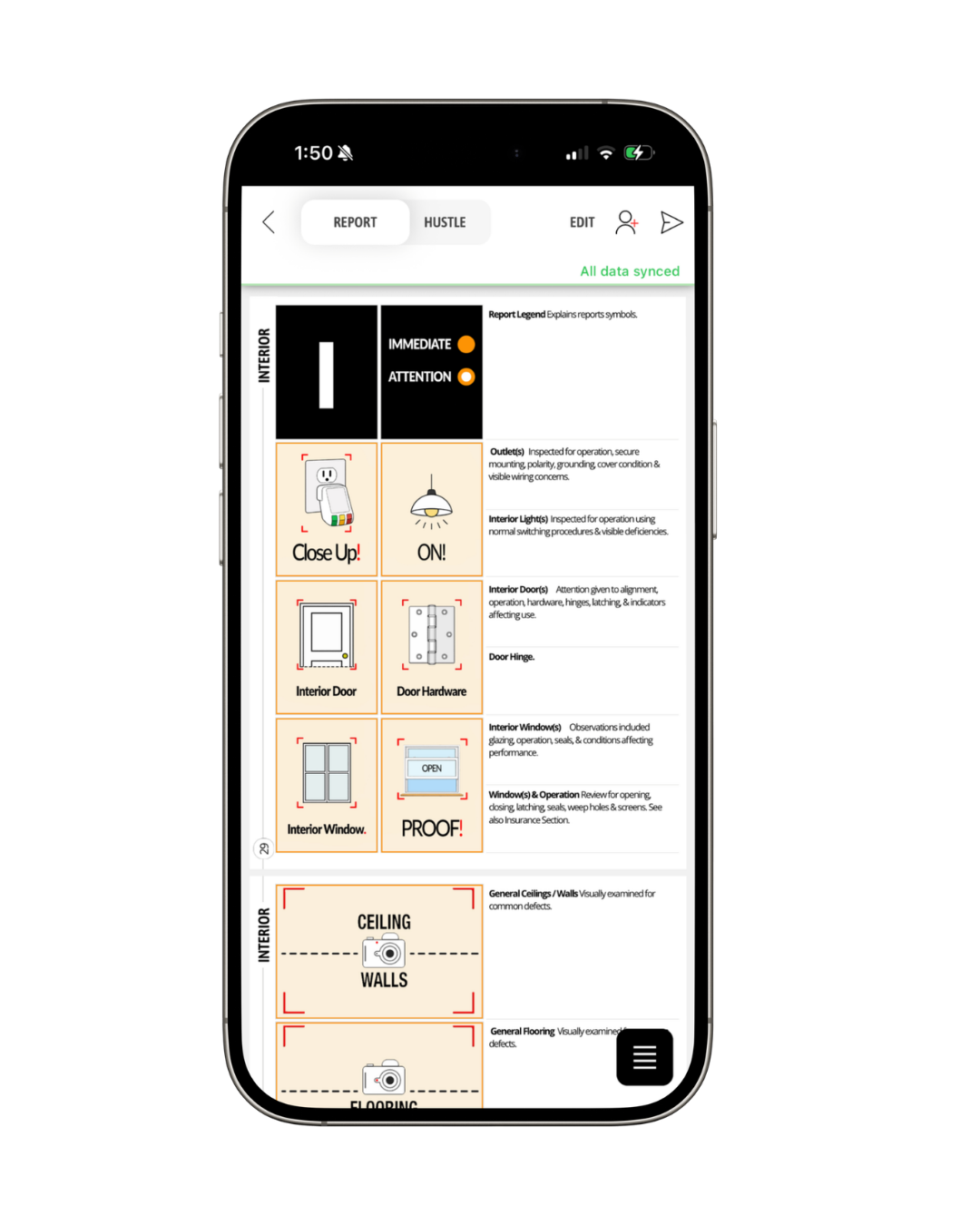
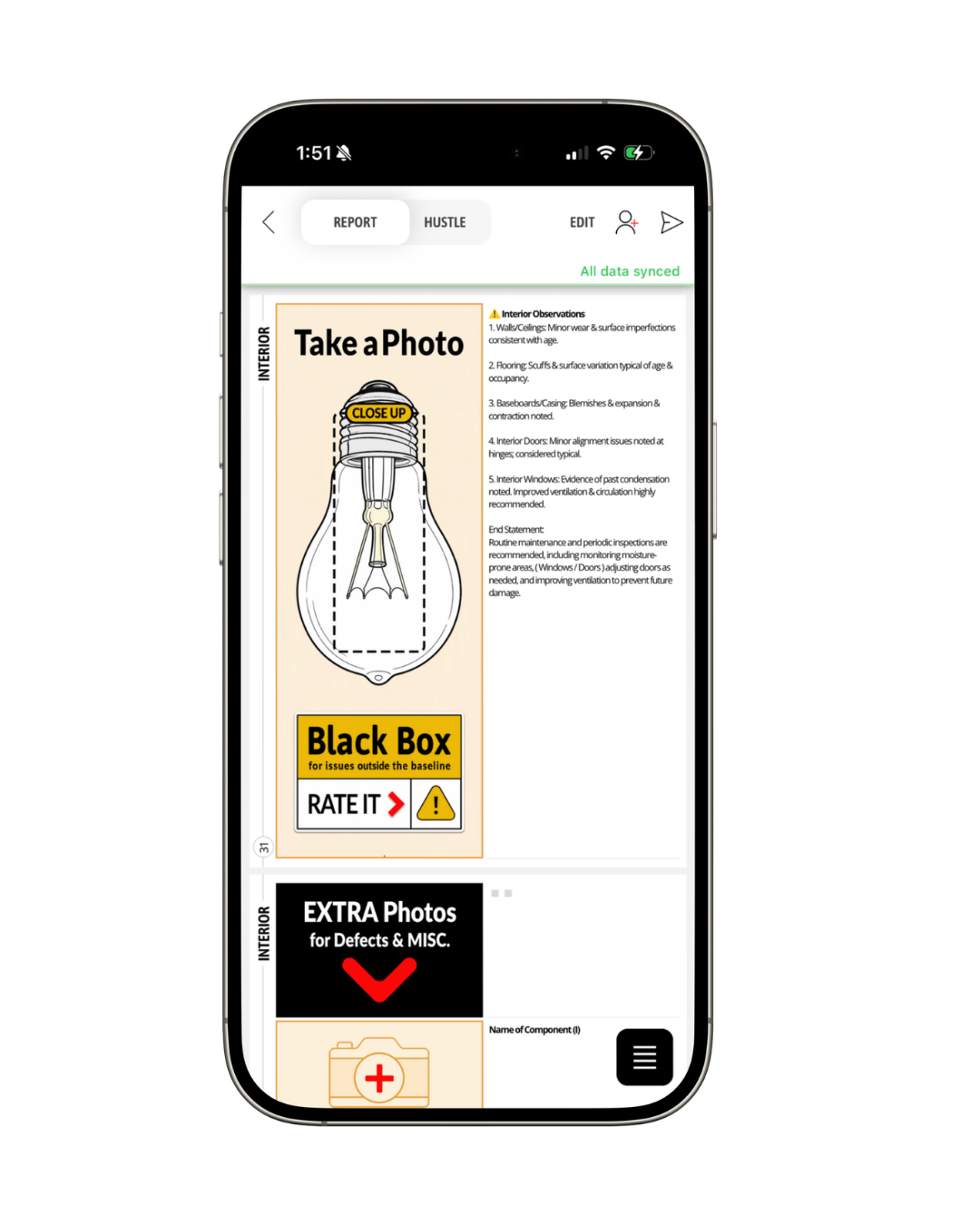
More than a report writer.
Everything you need to run your inspection business.
From booking the inspection to collecting payment and understanding how your business is performing, inspectagram brings the tools you need together in one place.
Scheduling
Manage bookings, availability, upcoming inspections and team schedules.
Agreements
Send agreements electronically, collect signatures in advance or on site and keep everything connected to the inspection.
Invoices & Payments
Create invoices, track payment status and accept online payments where available.
Team Inspect
Add inspectors, assign work and bring everyone's documentation together into one final report.
Business Dashboard
See inspections, revenue, unpaid invoices and key business performance information in one place.
Templates & Tools
Customize your inspection templates and use the tools you need to create a consistent process as your business grows.
Built as you inspect.
Your report comes together as you go.
Your report shouldn't be another job waiting for you when the inspection is over.
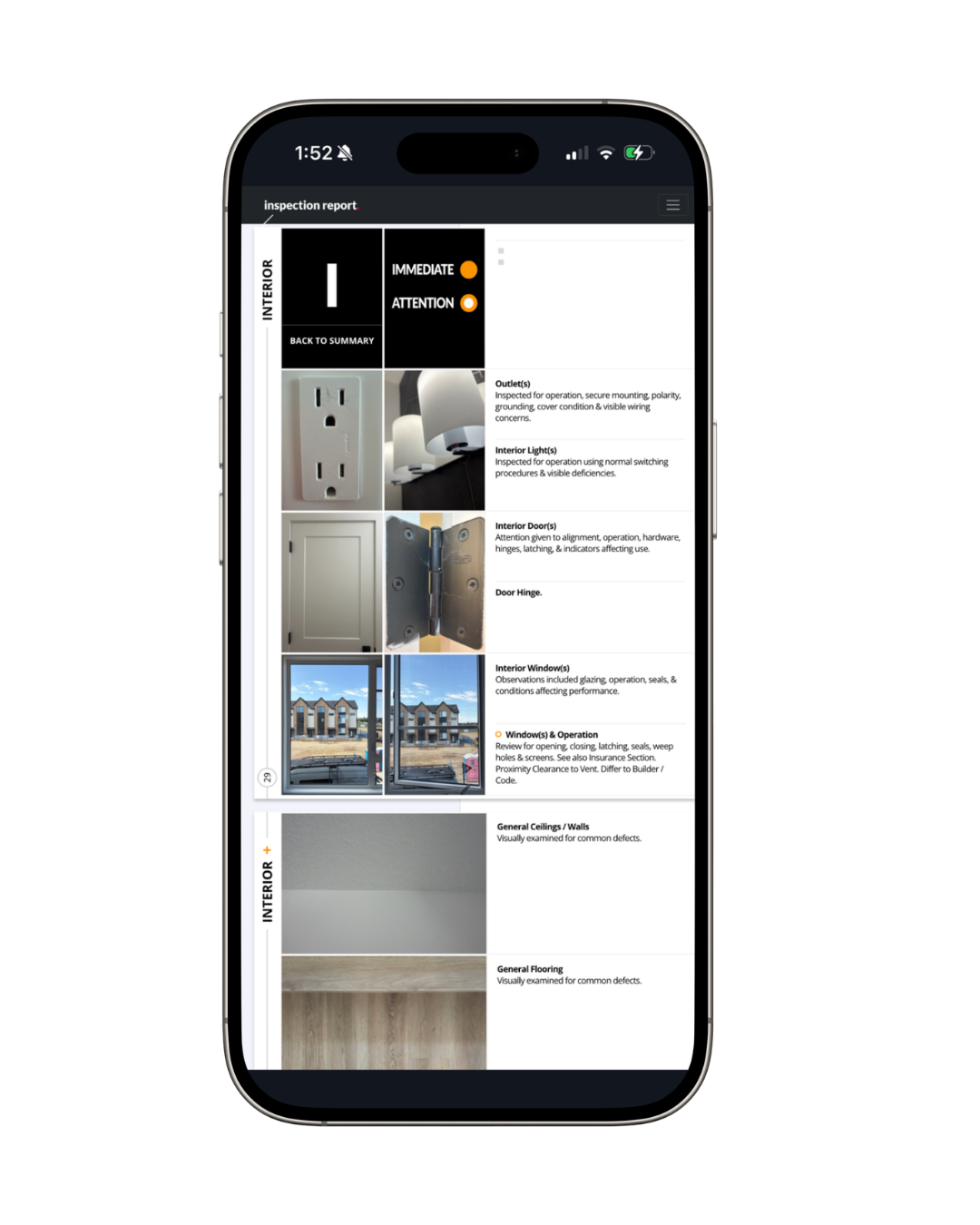
As you inspect, your photos, observations, ratings and details flow into a structured report. By the time you've finished the home, much of the report is already built.
Review it, make any final adjustments and send it from the field.

More ways to work.
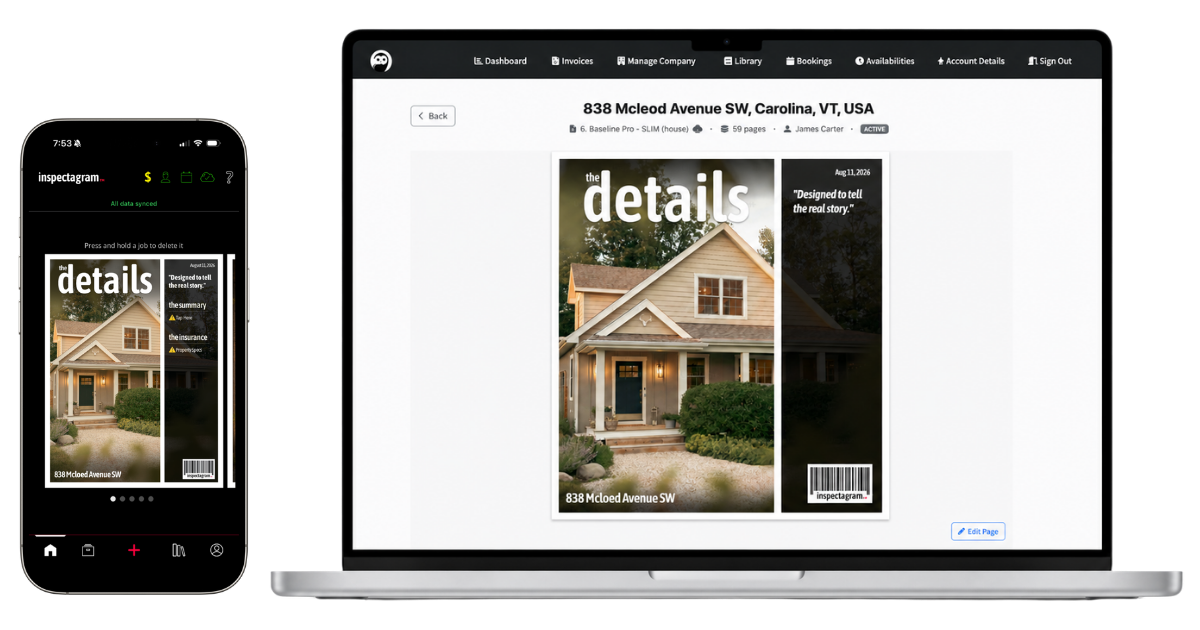
Prefer a larger screen? You've got one.
Inspectagram is built so you can complete, review and send your entire report from the field. No computer required.
Prefer to review your work on a larger screen? Access your reports from the inspectagram desktop portal to review, make full edits and publish when you're ready.
A Better Way to Inspect.
Everything you need to run your business.
From your first inspection to a growing team, inspectagram brings your inspections, reports and business tools together in one place.
Custom websites
Start strong with a pro website.
Need a solid website for your inspection business? Inspector Website Builder (IWB) builds clean, professional sites inspectors can count on, trusted by InterNACHI® and built to help you get more jobs.