Learn the inspectagram Workflow.
Follow the videos in order to learn the complete inspectagram workflow. Each section builds on the last, taking you from a general dashboard overview to publishing and sharing your first inspection report.
General Set-up • Videos 1–3
- Get familiar with the dashboard
- Understand where permanent template changes are made
- Set up scheduling and availability
Arriving On-site • Videos 4–6
- Verify key property and insurance details
- Complete the Elements page accurately
- Prepare the report before starting the inspection
Inspecting the Home • Videos 7–16
- Follow the Baseline workflow through each area of the home
- Use Black Box notes for quick additional observations
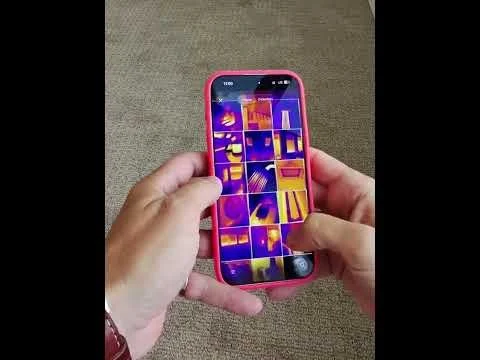
- Add FLIR images when needed
Finalizing the Report • Videos 17–19
- Generate and review the inspection summary
- Humanize the report for easier client understanding
- Remove unused pages before publishing
Advanced Features • Videos 20–22
- Request reviews with 72 Seconds
- Collaborate using Team Inspect
- Speed up inspections with Hustle Mode
View fullsize

1. Dashboard Overview | Home Inspection Software Walkthrough
View fullsize

2. Library & Templates
View fullsize

3. Scheduling & Availability
View fullsize

4. Fill out the insurance section and verifiy onsite
View fullsize

5. Complete the Elements
View fullsize

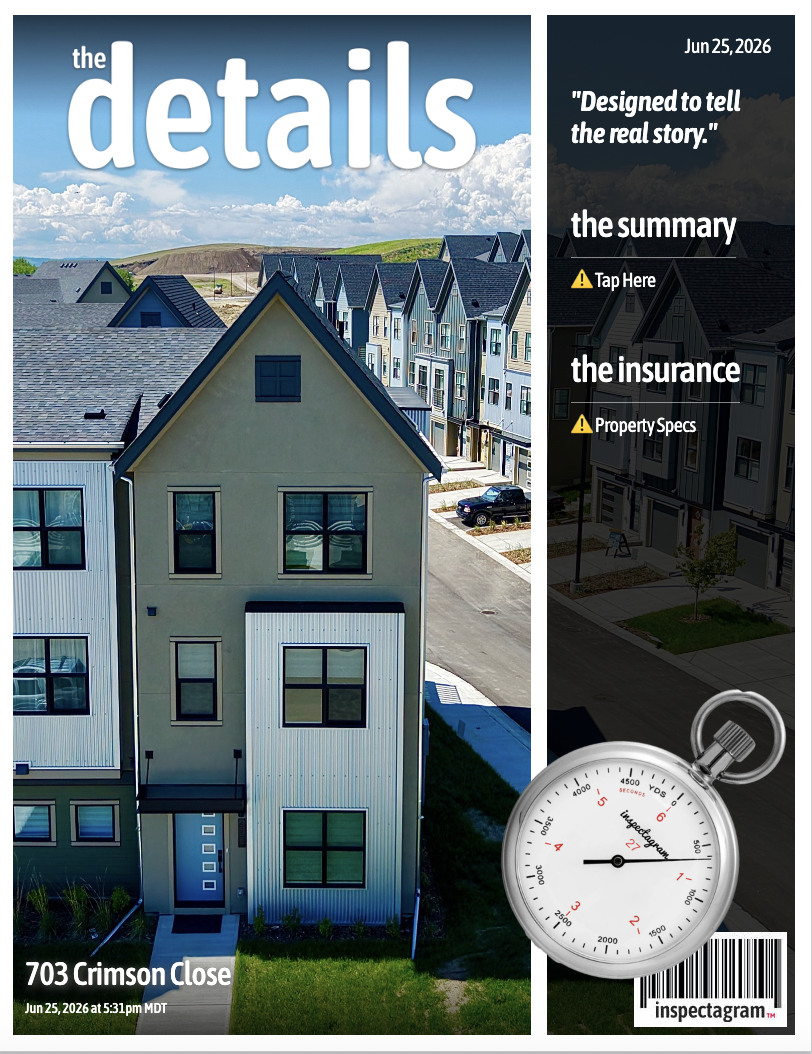
6. Add a Report Cover
View fullsize

7a.Roof Baseline
View fullsize

7b. Roof Black Box
View fullsize

8. Exterior Baseline
View fullsize

9. Attic Baseline
View fullsize

10. Garage Baseline
View fullsize

11. Interior Baseline
View fullsize

12. Import FLIR Thermal Images into Interior
View fullsize

13a. Kitchen Baseline
View fullsize

13b. Kitchen Black Box
View fullsize

14. Laundry Baseline
View fullsize

15. Bathroom Baseline
View fullsize

16. Mechanical Baseline
View fullsize

17. Generate & Humanize Summary
View fullsize

18. Delete Unused Pages
View fullsize

19. Publish & Share
View fullsize

20. 72 Seconds & Thank You Page
View fullsize

21. Team Inspect Multi-Inspector
View fullsize

22. Hustle Mode Explained